Regression Activity - Pt. I: RGB and Scatterplots
Checkpoints on this Page:
Meaning RGB
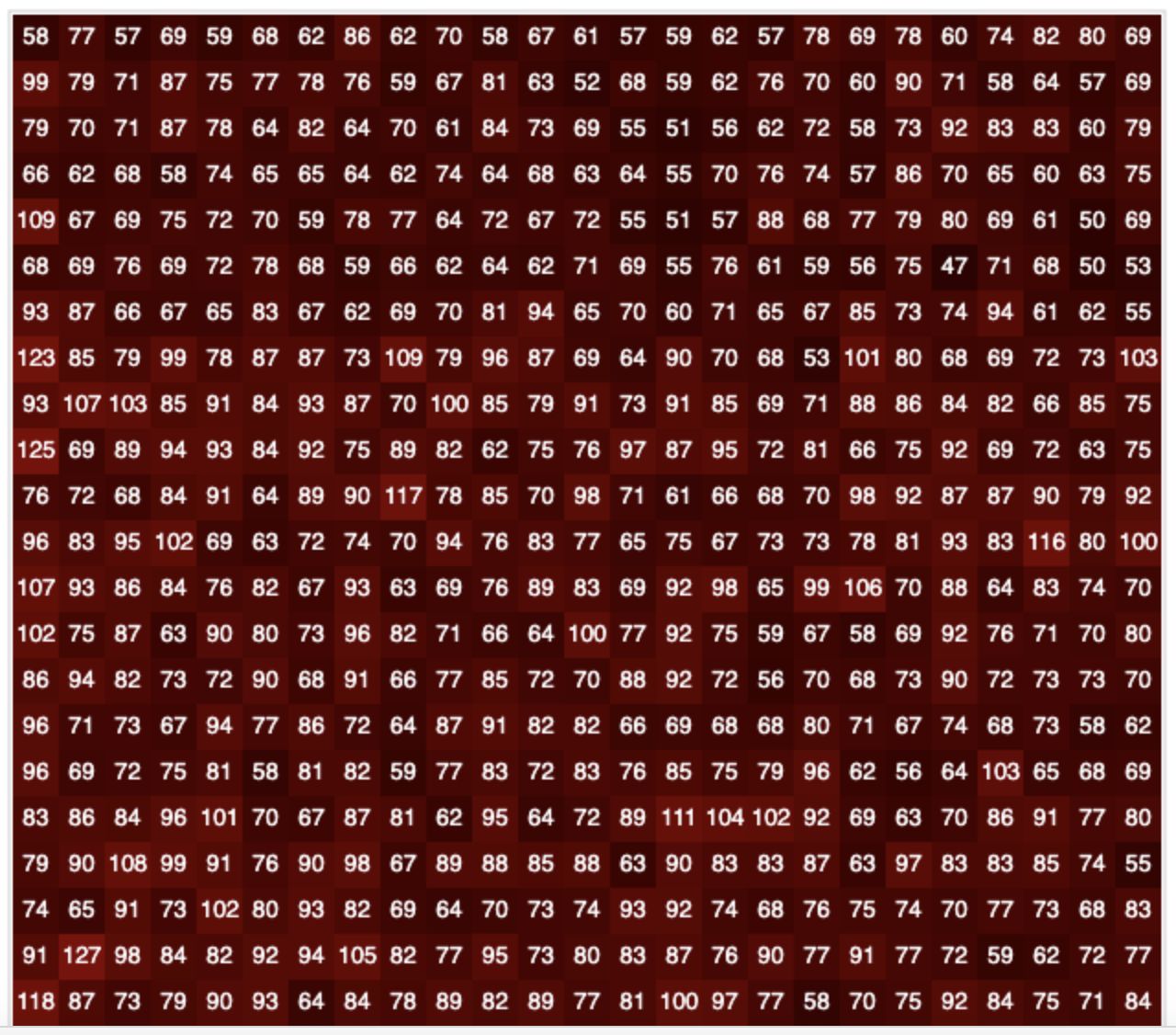
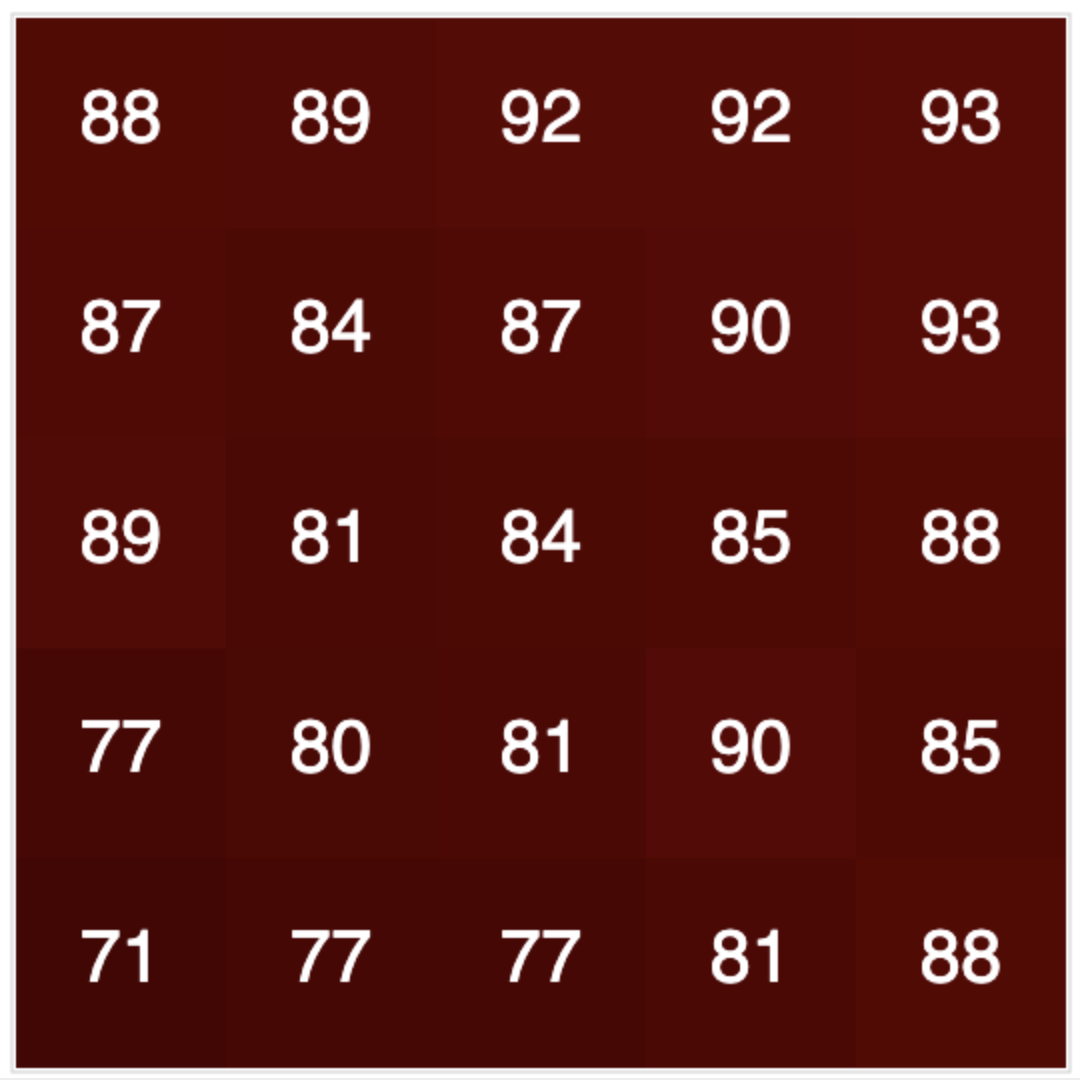
In workshop #2, we learned how computers “see” color - through RBG values! But the buoy does more. Did you notice that there were lots of little pixels on the screen in the applet we used last time? Which one is best? The buoy takes all of the pixels for each test pad and calculates their mean, which results in a mean Red, mean Green, and mean Blue value for each pad.
RGB and Scatterplots
During this activity, we’ll learn a bit more about linear regression and how the buoy can use regression to predict nitrate values.
Materials Needed:
- RGB Applet V2
- Deck of Purple “Nitrate Test Pad” Cards
- Pencil
- Highlighter (optional but helpful)
- Handout
- Dot Stickers
- Large Graph Paper
- Poster Markers
RGB Activity (Part 1)
Instructions
- Open the RGB Applet V3.
- Find the completely white card (card #1) in your deck. Hold it 1 to 2 inches in front of your webcam.
- Click the “Calibrate (point at white)” button to calibrate your camera.
- Find card #2 in your deck. Hold it in the same orientation and distance from your webcam as card #1.
- Click the “Compute Nitrate” button.
- Record the value displayed for your handout.
- Repeat this process for all other numbered cards in your deck. Make sure you hold each card the same distance away from your webcam.
Scatterplots Activity (Part 2)
Instructions
This portion of the activity will be completed with your group.
Each group will be assigned either to red, green, or blue.
- Using the round stickies and graph paper, create a scatterplot.
- Place the color values (either red, green or blue, depending on your group assignment) on the x-axis and the nitrate concentrations on the y-axis.